> ## Documentation Index
> Fetch the complete documentation index at: https://docs.toolrouter.ai/llms.txt
> Use this file to discover all available pages before exploring further.
# Introduction
> A comprehensive guide to ToolRouter APIs
## Welcome
ToolRouter provides two types of API endpoints to serve different use cases:
### 1. Stack Specific Endpoints
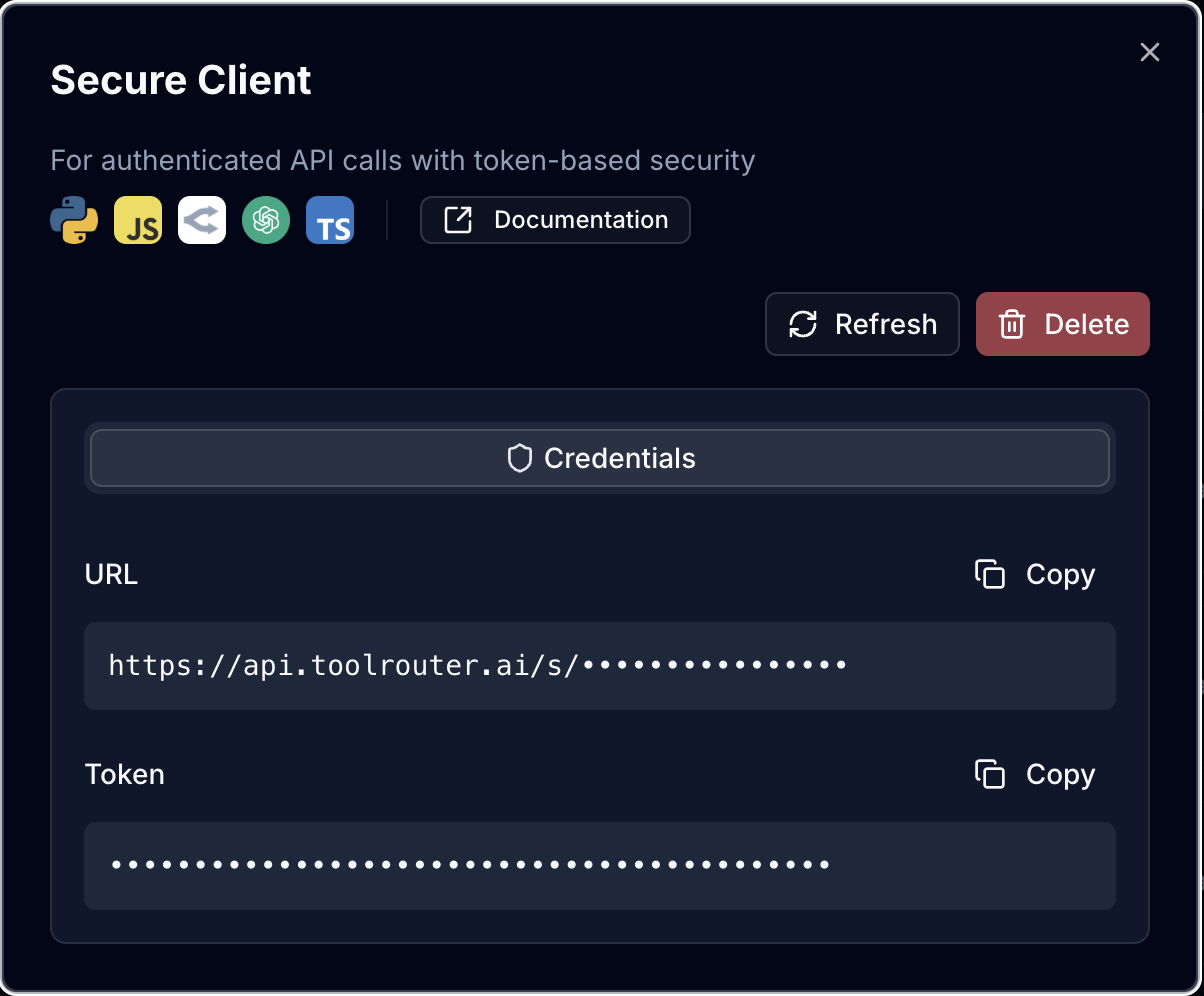
These endpoints use stack tokens and are designed for application integration:
1. Create a new Stack in the dashboard
2. Click on "Use with API"
3. Click on "+ Create Secure Client"
4. Copy URL and Token
5. Use the URL and Token to connect your code to ToolRouter
 ### 2. Account Management API
These endpoints use API keys and provide programmatic control over your ToolRouter account:
1. Log into your [ToolRouter Dashboard](https://app.toolrouter.ai)
2. Navigate to your account settings
3. Generate a new API key
4. Use the API key to manage stacks, servers, and tools programmatically
Screenshot placeholder: API key generation interface
## Available Endpoints
### Stack Specific Endpoints
Get a list of all available tools in your stack
Execute a specific tool with your parameters
### Account Management API
Learn how to authenticate with the Account Management API
Create, update, delete, and list your stacks
Add servers from the marketplace to your stacks
Securely manage credentials for your integrations
List and invoke tools from your stacks
## Key Differences
| Feature | Stack Specific Endpoints | Account Management API |
| ------------------ | --------------------------------- | ---------------------- |
| **Authentication** | Stack token | API key |
| **Purpose** | Application integration | Account management |
| **Base URL** | `api.toolrouter.ai/s/{client_id}` | `api.toolrouter.ai/v1` |
| **Use Case** | Runtime tool execution | Stack configuration |
| **Rate Limits** | Per stack | Per account |
## Getting Started
* **For application integration**: Start with [Stack Specific Endpoints](#stack-specific-endpoints)
* **For account automation**: Start with [Account Management API](#account-management-api)
Each endpoint is designed to securely connect your application with ToolRouter services. Refer to the specific documentation for detailed usage instructions.
### 2. Account Management API
These endpoints use API keys and provide programmatic control over your ToolRouter account:
1. Log into your [ToolRouter Dashboard](https://app.toolrouter.ai)
2. Navigate to your account settings
3. Generate a new API key
4. Use the API key to manage stacks, servers, and tools programmatically
Screenshot placeholder: API key generation interface
## Available Endpoints
### Stack Specific Endpoints
Get a list of all available tools in your stack
Execute a specific tool with your parameters
### Account Management API
Learn how to authenticate with the Account Management API
Create, update, delete, and list your stacks
Add servers from the marketplace to your stacks
Securely manage credentials for your integrations
List and invoke tools from your stacks
## Key Differences
| Feature | Stack Specific Endpoints | Account Management API |
| ------------------ | --------------------------------- | ---------------------- |
| **Authentication** | Stack token | API key |
| **Purpose** | Application integration | Account management |
| **Base URL** | `api.toolrouter.ai/s/{client_id}` | `api.toolrouter.ai/v1` |
| **Use Case** | Runtime tool execution | Stack configuration |
| **Rate Limits** | Per stack | Per account |
## Getting Started
* **For application integration**: Start with [Stack Specific Endpoints](#stack-specific-endpoints)
* **For account automation**: Start with [Account Management API](#account-management-api)
Each endpoint is designed to securely connect your application with ToolRouter services. Refer to the specific documentation for detailed usage instructions.