> ## Documentation Index
> Fetch the complete documentation index at: https://docs.toolrouter.ai/llms.txt
> Use this file to discover all available pages before exploring further.
# VS Code / Copilot Integration
> Learn how to integrate VS Code with ToolRouter
This guide will walk you through integrating VS Code with ToolRouter to enable tool use capabilities.
## Setup
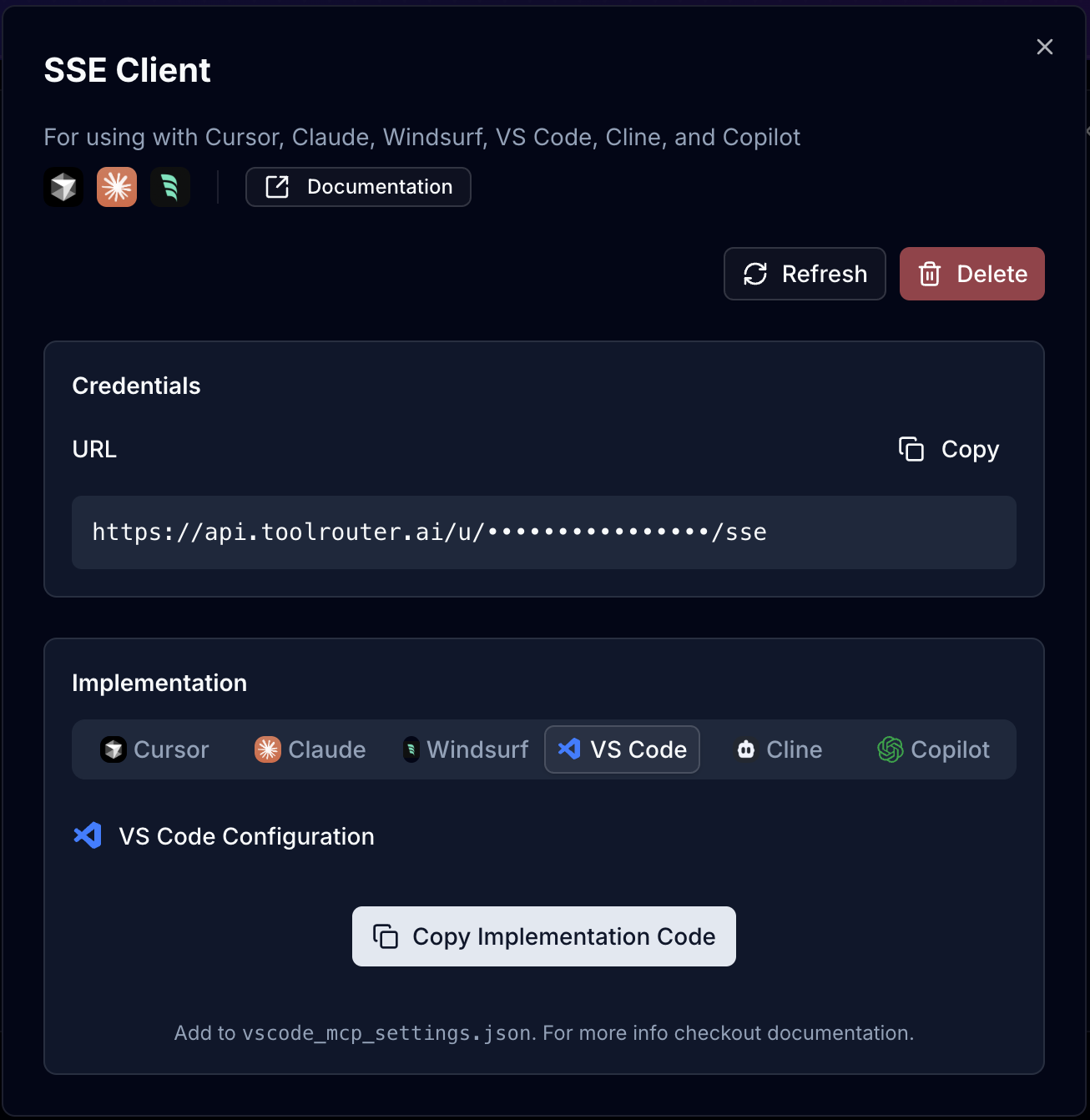
Create a ToolRouter Stack -> Create SSE Client -> Copy VS Code Implementation code
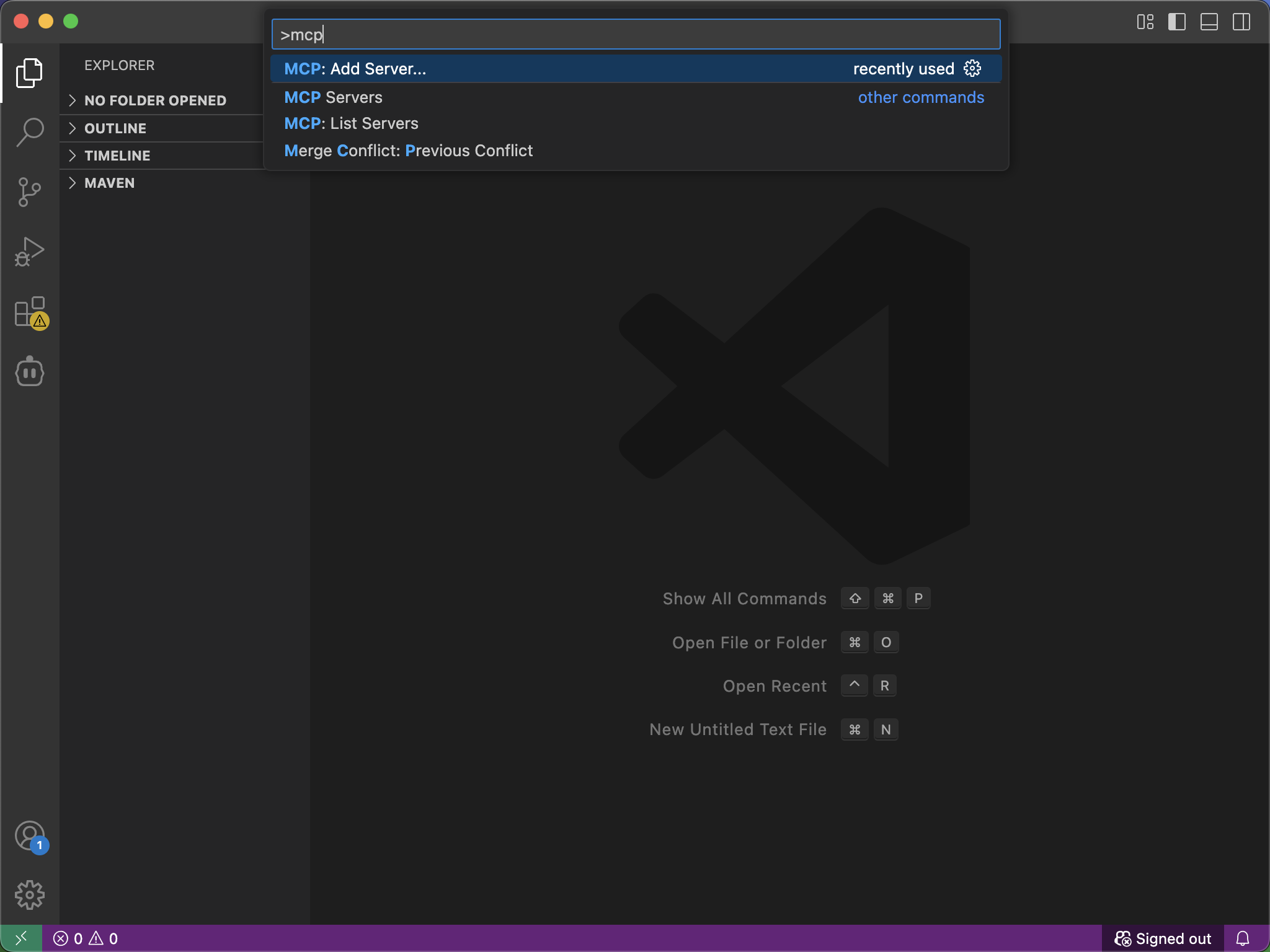
 Open VS Code and press `Cmd+Shift+P` (Mac) or `Ctrl+Shift+P` (Windows/Linux) to open the Command Palette. Search for "MCP: Add Server" and select it.
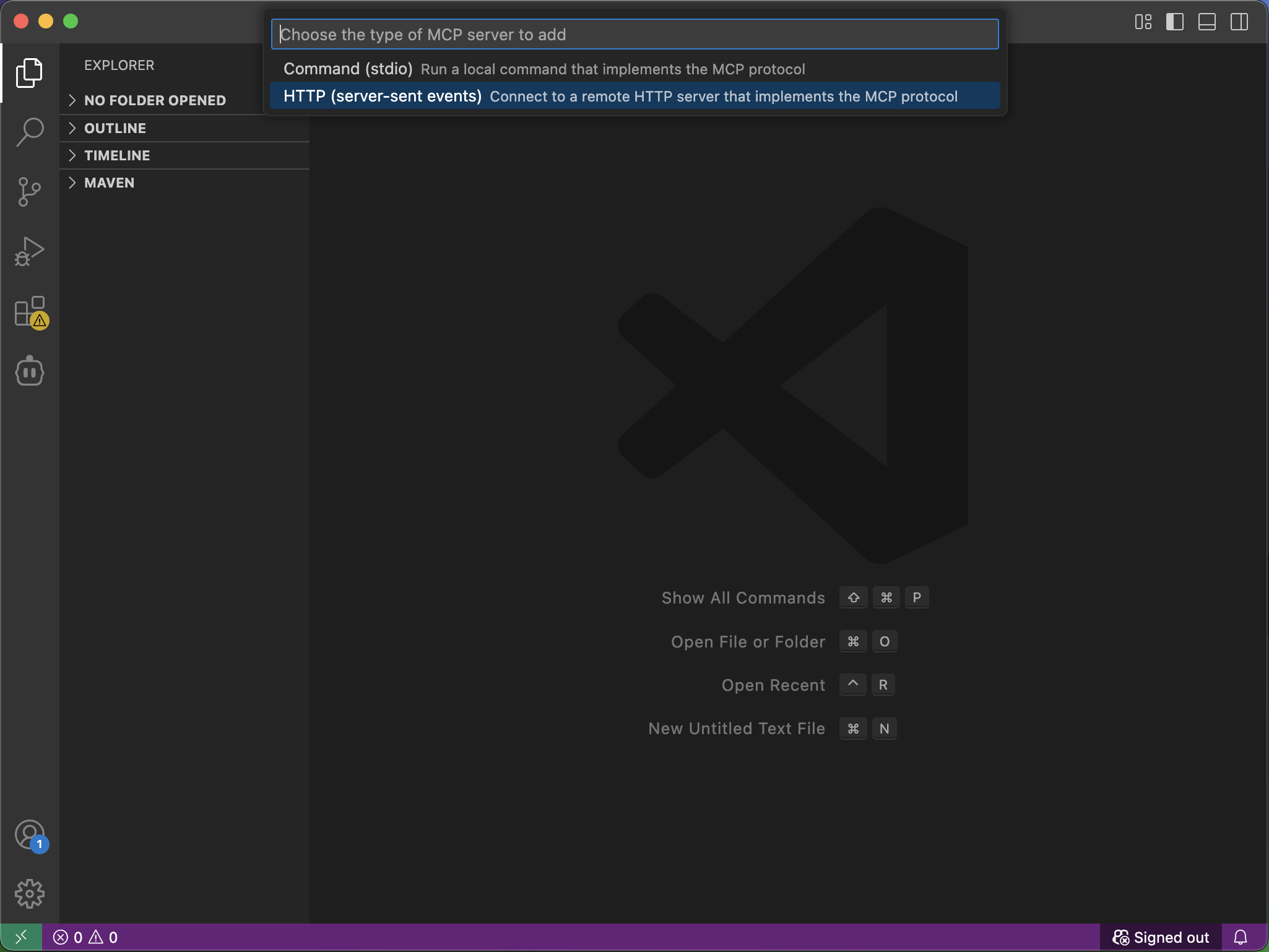
 Choose MCP: Add Server -> HTTP (server-sent events)
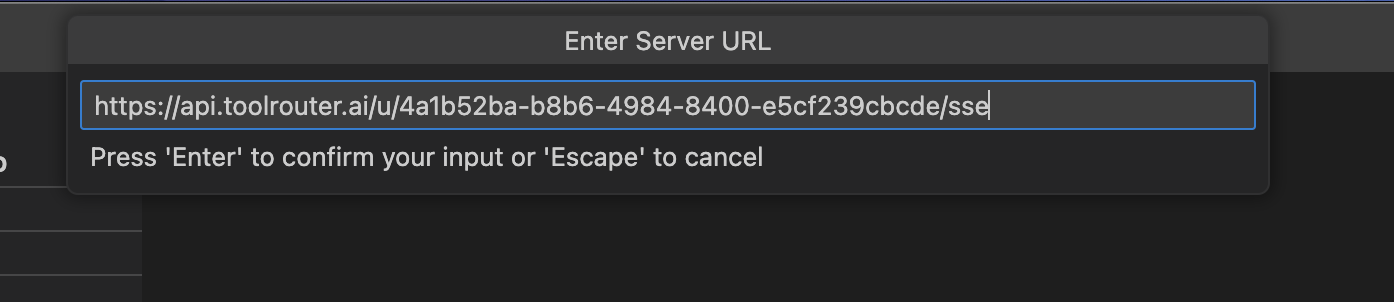
 Enter the SSE URL copied from the ToolRouter Implementation code
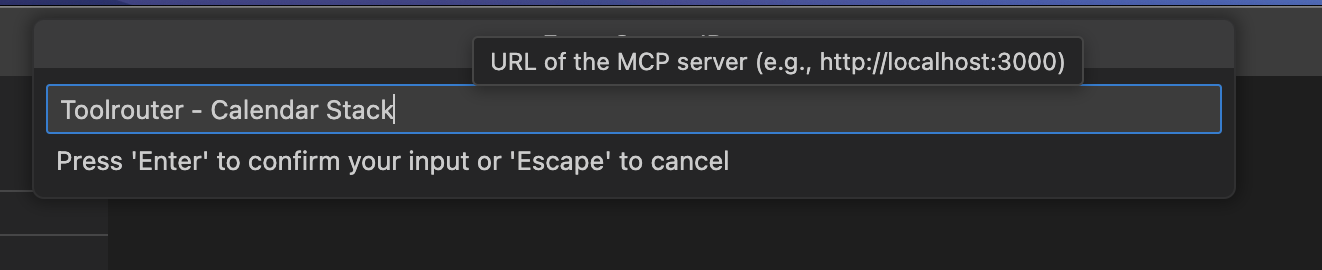
 Enter a suitable name for the server
 You should now see all the tools available in the ToolRouter stack.